
If you have searched for Avast SecureLine and landed on a page called Avast Premium VPN, you are in the right place. Avast's VPN has a new name. Avast Premium VPN, formerly known as Avast SecureLine VPN, keeps your online activity private and secure while browsing, streaming, shopping or using public Wi‑Fi. Here is what the change means for you.
What changed?
Mostly the name. The new name reflects an upgraded, premium VPN experience, and newer versions of the app add extra tools that you can see in the settings and location list. The protection, the simple one-click interface and the way you activate a subscription stay the same.
Main features of Avast Premium VPN
- Secure encryption: your internet traffic is encrypted to protect it from snooping and data theft.
- IP address masking: websites see the IP of the VPN server instead of your real one.
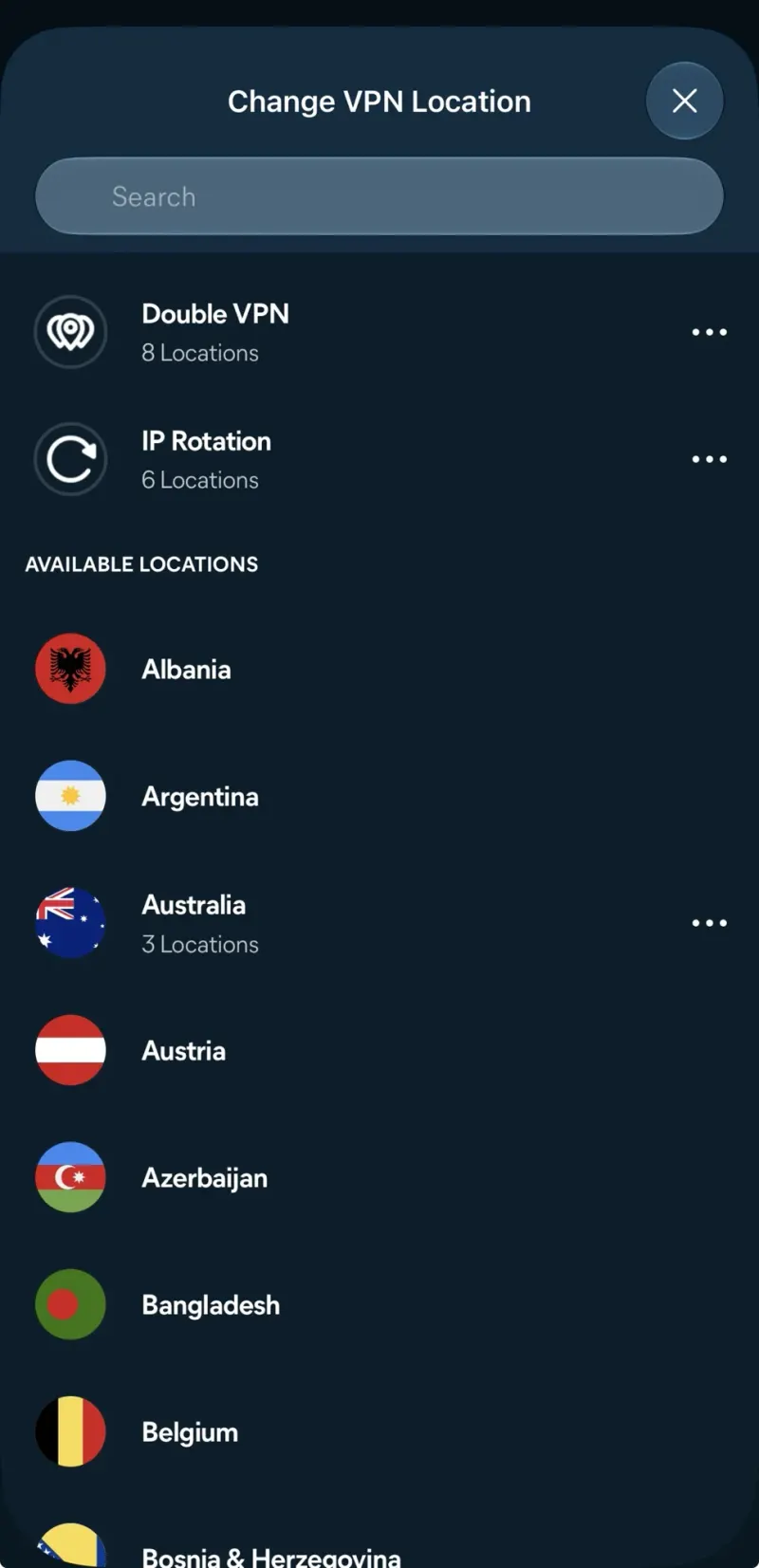
- Global server locations: connect to servers in many countries, from Albania and Argentina to Australia and Bangladesh.
- Double VPN: send your traffic through two VPN servers for extra privacy.
- IP Rotation: your IP address changes regularly while you stay connected.
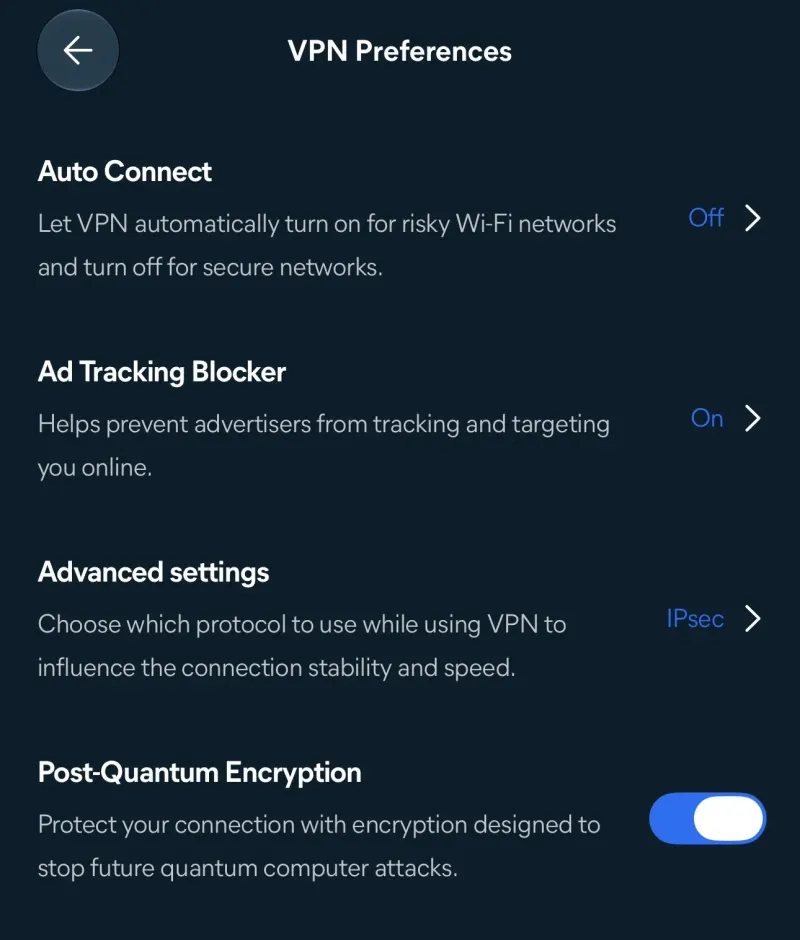
- Ad Tracking Blocker: helps stop advertisers from tracking and targeting you.
- Auto Connect: the VPN turns on by itself on risky Wi‑Fi networks.
- Post-Quantum Encryption: encryption designed to resist attacks by future quantum computers.
Which protocol should you choose?
In Advanced settings you can pick the VPN protocol. Depending on your device the app offers options like WireGuard, OpenVPN and IPsec. WireGuard is usually the fastest, OpenVPN is a reliable all-rounder, and IPsec works well on iPhone and iPad. If you are not sure, let the app choose automatically.
Does an old SecureLine VPN key still work?
Yes. Activation codes are entered the same way: open the app, go to the menu, choose "Enter activation code" and paste the code with its dashes. The app then shows your subscription as Active and how long it lasts. You can add more devices with "Pair devices", up to the number your code allows.
Where to download Avast Premium VPN
Download the app only from avast.com or the official store of your device: the Microsoft Store for Windows, the Mac App Store or avast.com for Mac, Google Play for Android and the App Store for iPhone and iPad. It runs on Windows 11, 10, 8.1, 8 and 7 SP1, the current and two previous versions of macOS and iOS, and Android 10 or later.
Need a fast, secure website for your business?
Security matters for websites too. arafatbin.com builds fast, secure websites with free SSL, spam-protected forms and regular backups for businesses in Oman and the GCC, from OMR 15.
Avast, SecureLine and the product names in this article are trademarks of their owners. arafatbin.com is independent and not connected to Avast.